






Introduction
What is Landing Page Personalization?
Real-World Landing Page Personalization Examples
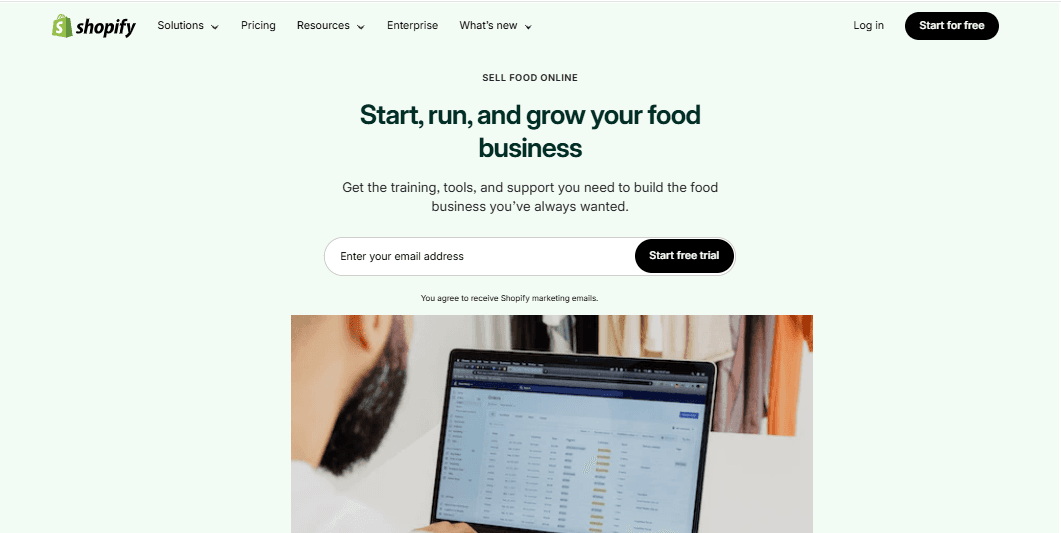
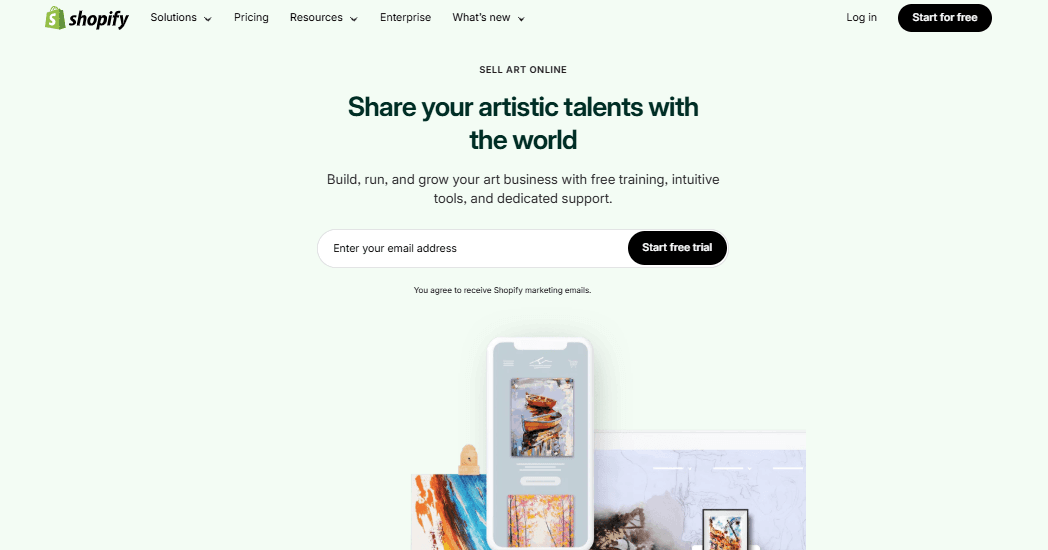
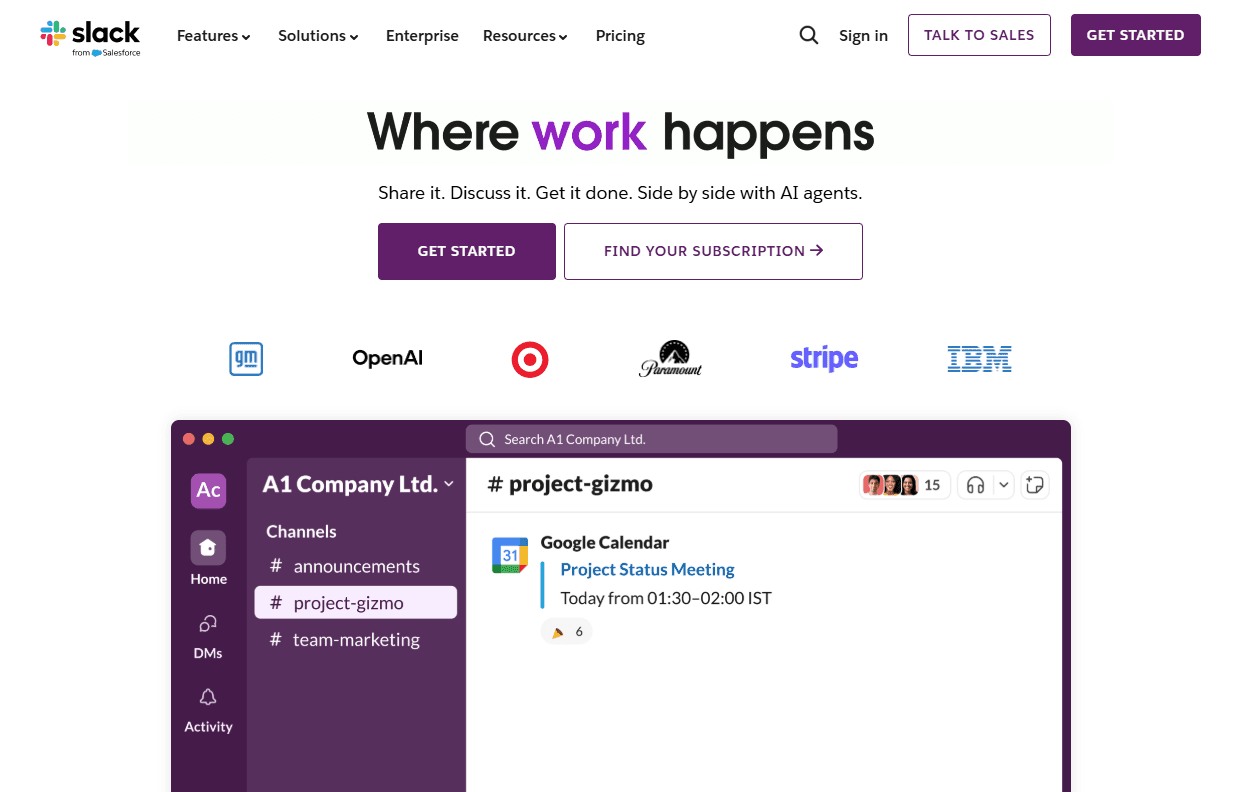
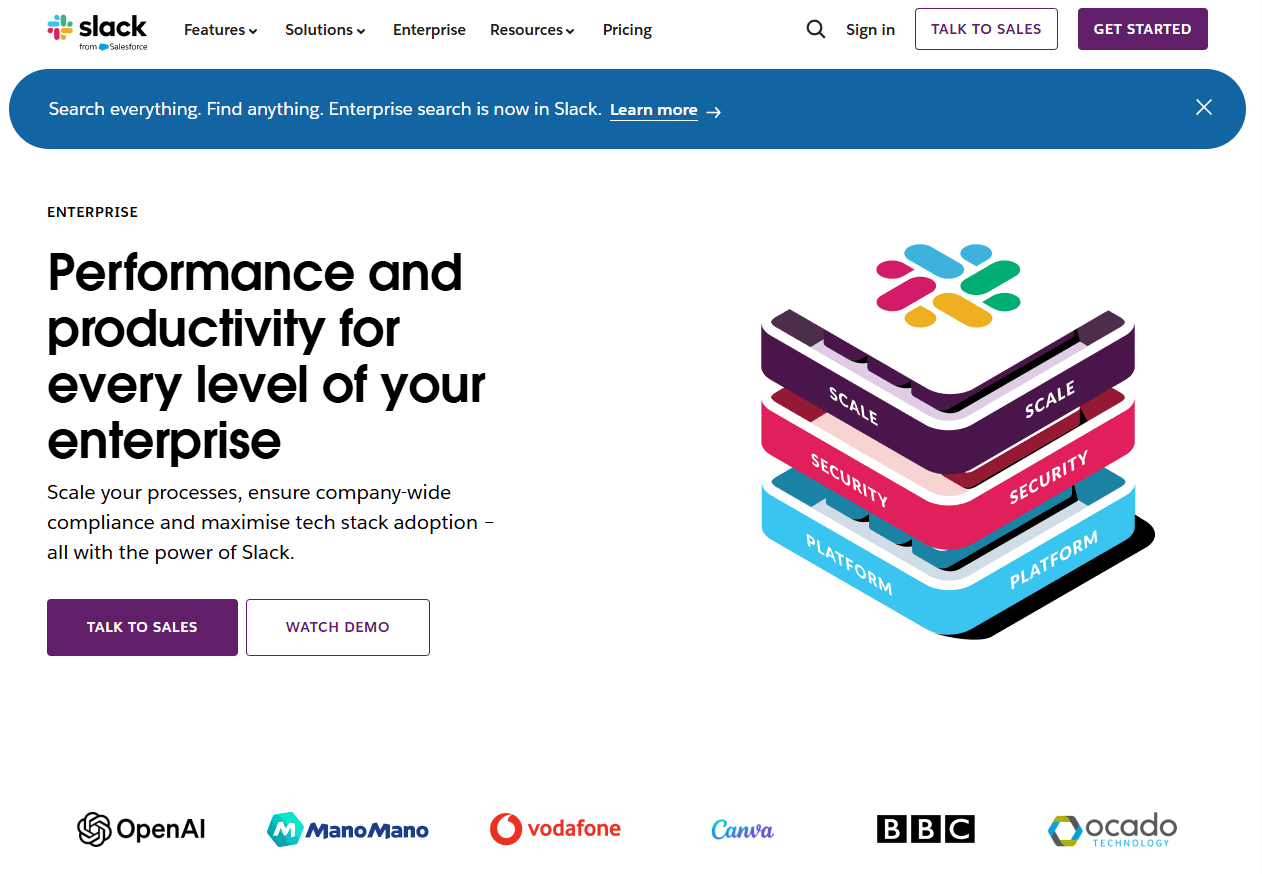
Why Landing Page Personalization Matters: 5 Data-Backed Benefits
10 Proven Landing Page Personalization Strategies for 2025
A Step-By-Step Landing Page Personalization Guide
Creating personalized landing pages isn't rocket science, but it does require a methodical approach. Let's walk through exactly how to build landing pages that speak directly to your visitors, and actually convert them.
Step 1: Identify your audience segments (and get specific)
Before you write a single headline, you need to know who you're writing for. But most people make a mistake; they create vague segments like "small businesses" or "enterprise customers." That's not specific enough.
Instead, dig deeper. If you're targeting marketing managers, ask yourself: Are they in B2B or B2C? What's their biggest pain point: budget constraints, lack of time, or pressure from leadership? Are they running paid ads, SEO campaigns, or both?
A marketing manager at a SaaS company searching for "email automation software" has completely different needs than an e-commerce marketing manager with the same search query. The first wants lead nurturing sequences; the second wants cart abandonment emails. If you lump them together, your message will be too generic to resonate with either.
Pro tip: Create a simple spreadsheet with columns for segment name, primary pain point, objections, preferred channels (Google Ads, Facebook, email), and the outcome they're seeking. Aim for 3-5 segments to start; you can always expand later.
Step 2: Map out your personalization triggers
Now that you know your segments, you need to determine how you'll identify which segment a visitor belongs to. The real
Your triggers might include:
UTM parameters in your ad URLs (campaign source, medium, content)
Referral source (did they come from a blog post about a specific topic?)
Geographic location (are they in a region where you have specific offerings?)
Industry signals (does their IP address or LinkedIn profile indicate their sector?)
Previous behavior (have they visited your site before? Downloaded a specific resource?)
Each trigger becomes a decision point that routes visitors to the right experience.
When Slack was growing, they created different landing page experiences based on team size signals. A visitor from a 10-person startup saw messaging about simplicity and getting started quickly, while someone from a 10,000-person enterprise saw security certifications, compliance features, and integration capabilities right up front.
Here’s what we suggest you do:
Start with the easiest trigger—UTM parameters in your paid ads. If you're running a Google Ads campaign targeting "project management for construction," add utm_campaign=construction_pm to your URL.
This simple addition lets you show construction-specific headlines and images without complex detection systems.
Step 3: Create your core message variations
For each segment, you'll create variations of your key landing page elements. We suggest you to on these five components:
Headlines: Your headline should reflect the visitor's specific pain point. Not "The Best Project Management Software" (generic), but "Construction Project Management Built for GCs and Subcontractors" (specific).
Hero images or videos: Visual context matters enormously. Show people who look like your visitor, in environments they recognize, using your product the way they would.
Social proof: Match testimonials and case studies to each segment. B2B SaaS buyers want to see logos of companies they respect; e-commerce sellers want to see revenue metrics from similar stores.
Call-to-action language: A small business owner might respond to Start Free Trial, while an enterprise buyer needs Schedule a Demo or Talk to Sales
Pain points and benefits: Lead with what matters most to each segment. A startup cares about speed and cost; an enterprise cares about security and scalability.
When someone lands on your page and immediately thinks This is exactly what I need, you've won half the battle. Specificity builds trust and reduces the mental effort required to imagine themselves using your product.
However, you don't have to rewrite everything from scratch. Just do this:
Create a master template, then swap out modular components.
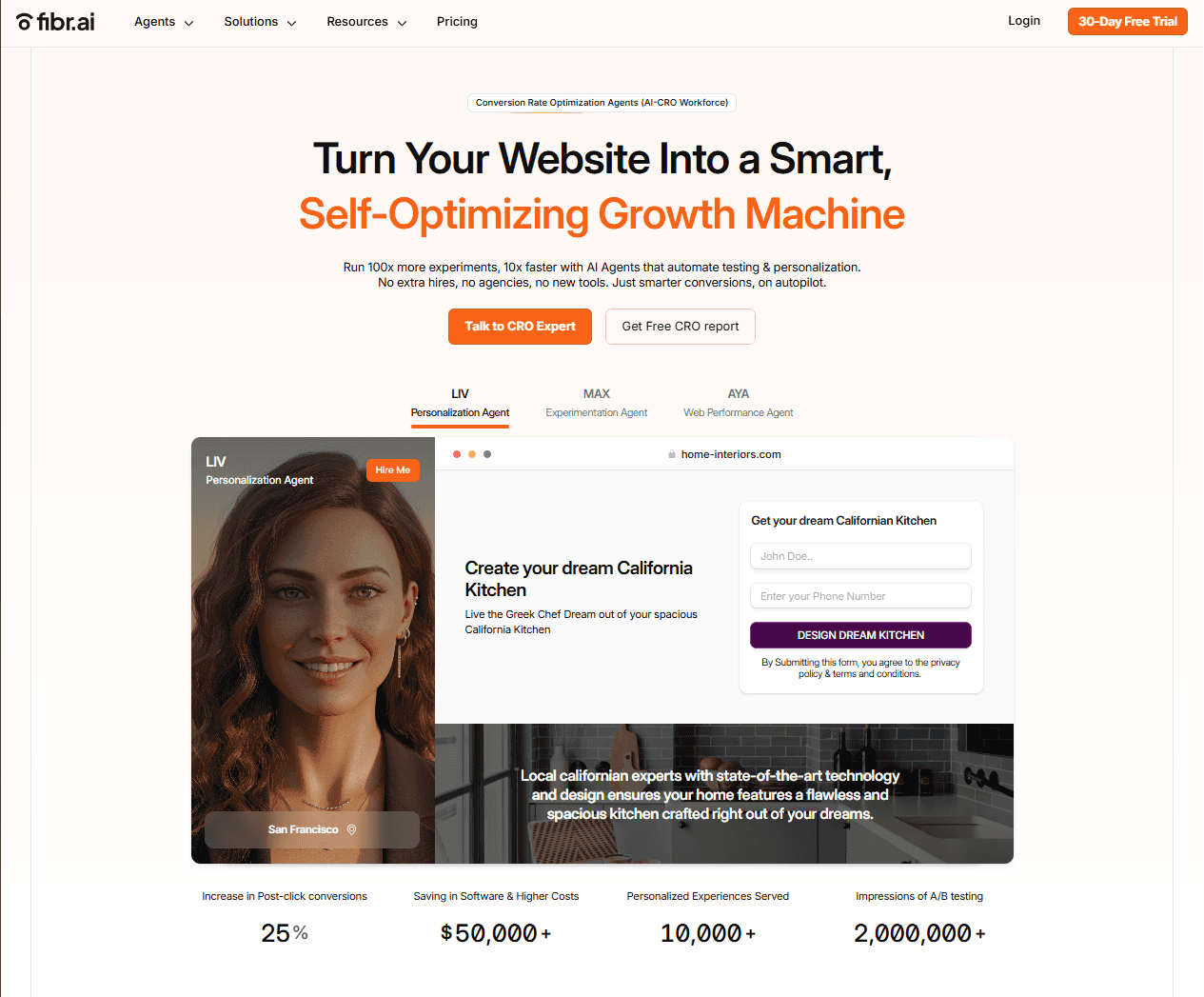
Use a tool like Fibr.ai, which lets you create and test multiple landing page variations without rebuilding pages from the ground up. Fibr makes it easy to personalize headlines, images, and CTAs based on your triggers, saving you weeks of development time.
Step 4: Implement dynamic content insertion
Now is where your personalization system comes to life. You have several implementation options:
Separate URLs (simplest): Create distinct landing pages for each segment and direct traffic via your ad URLs. If you're running three different ad campaigns, build three landing pages. Simple, but harder to scale.
Dynamic Content Swapping (recommended): Use a personalization platform that swaps content based on URL parameters or visitor attributes—all on a single page URL. This is cleaner for tracking and easier to manage.
Full Website Personalization (advanced): When you personalize not just landing pages but entire website experiences, adapting content as visitors navigate through your site. This creates a cohesive journey from first click to conversion.
Implementation affects everything from your analytics setup to how quickly you can launch new campaigns. Choose a method that matches your technical resources and scale.
Practical tip: If you're just starting out, go with Option A. Once you're managing 5+ variations, graduate to Option B. The time you save in maintenance will pay for the tool cost.
Step 5: Personalize beyond the fold
Most people stop personalizing after the headline and hero section. That's a mistake. Your entire page should reinforce the personalized message.
Features section: Highlight the 3-4 features that matter most to this segment, not all 15 features you offer.
Objection handling: Address the specific concerns this segment has. Price-sensitive visitors need ROI calculators; security-conscious enterprise buyers need compliance badges and security whitepapers.
CTAs throughout the page: Repeat your personalized CTA 2-3 times down the page. Some visitors need to read more before they're ready to convert.
This matters because cognitive fluency, the ease with which people process information, directly impacts conversion rates. When every section of your page speaks to someone's specific situation, they don't have to work hard to see themselves as your customer.
Create a personalization checklist for each landing page with checkboxes for: headline, hero image, benefits list, testimonials, objections addressed, and CTA language. Don't publish until everything aligns with your segment.
Step 6: Set up proper tracking and attribution
Here's the part that everyone skips, and then regrets. Before you launch, ensure you can measure what's working.
Set up:
Unique conversion goals for each personalized variant in Google Analytics or your analytics platform
A/B testing infrastructure so you can test personalized vs. generic versions
Heatmaps and session recordings to see how different segments interact with your variations
Multi-touch attribution if you're running complex campaigns across channels
Without proper tracking, you might think your personalization is working when it's actually hurting conversions—or vice versa.
Pro tip: Use UTM parameters consistently and create a naming convention document. Something like:
utm_source=google&utm_medium=cpc&utm_campaign=construction&utm_content=variant_a.
Step 7: Test, learn, and iterate
Your first personalization attempt won't be perfect. The goal is to learn what resonates with each segment and continuously refine.
Start with these tests:
Personalized vs. generic: Does your personalized version actually perform better? Test it.
Degree of personalization: Sometimes subtly personalized headlines outperform overly specific ones. Find your sweet spot.
Element priority: Test whether changing the headline has more impact than changing the hero image.
Personalization isn't a one-time thing. Markets evolve, competitors shift positioning, and what worked last quarter might not work today. Build a culture of continuous optimization.
Focus on statistical significance over vanity metrics. A 50% conversion increase based on 20 visitors means nothing. Wait until you have at least 100 conversions per variant before making decisions.
Step 8: Scale what works (without breaking everything)
Once you've validated that personalization improves your conversion rates, it's time to scale. But scaling poorly can quickly spiral into chaos; dozens of page variants, broken tracking, and endless maintenance headaches.
Here's how to scale smartly:
Create a prioritization framework: Not every audience segment deserves equal investment. Focus on segments with the highest traffic volume and conversion potential. A segment that drives 2% of traffic probably doesn't need six personalized variations yet.
Build a content library: Create a repository of approved headlines, images, CTAs, and copy blocks for each segment. This allows you to quickly assemble new variations without having to start from scratch each time.
Automate where possible: Use tools that can dynamically generate personalized experiences without manual page creation. This is where platforms like Fibr.ai shine; you can create personalization rules once and apply them automatically across hundreds of ads or campaigns.
Scaling personalization manually is how marketing teams burn out. What starts as three variants quickly becomes thirty, and suddenly you're spending more time managing pages than optimizing them.
Pro tip: Before creating a new variation, ask: "Could I achieve 80% of this result by modifying an existing segment's page?" Sometimes a small tweak to an existing variant beats building something entirely new.
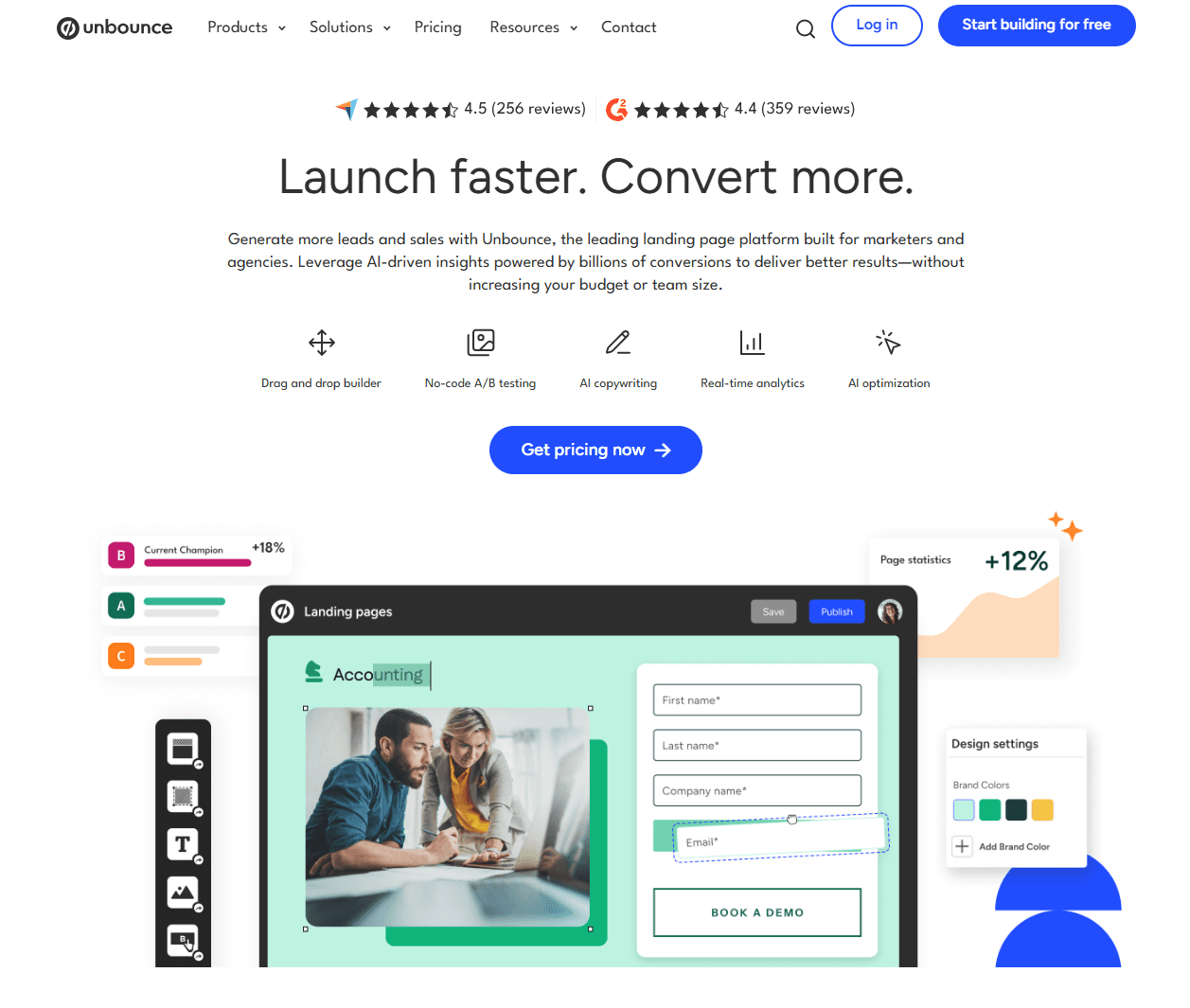
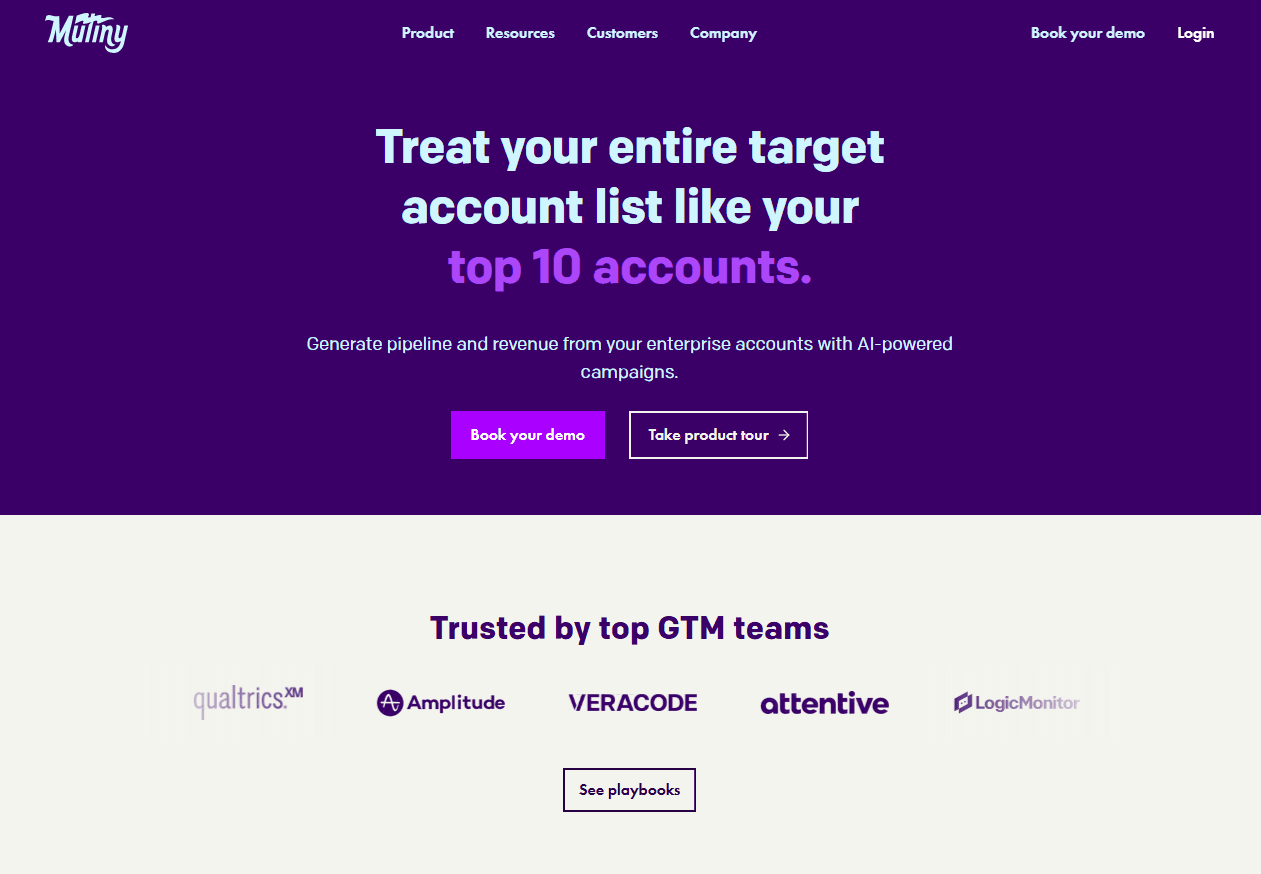
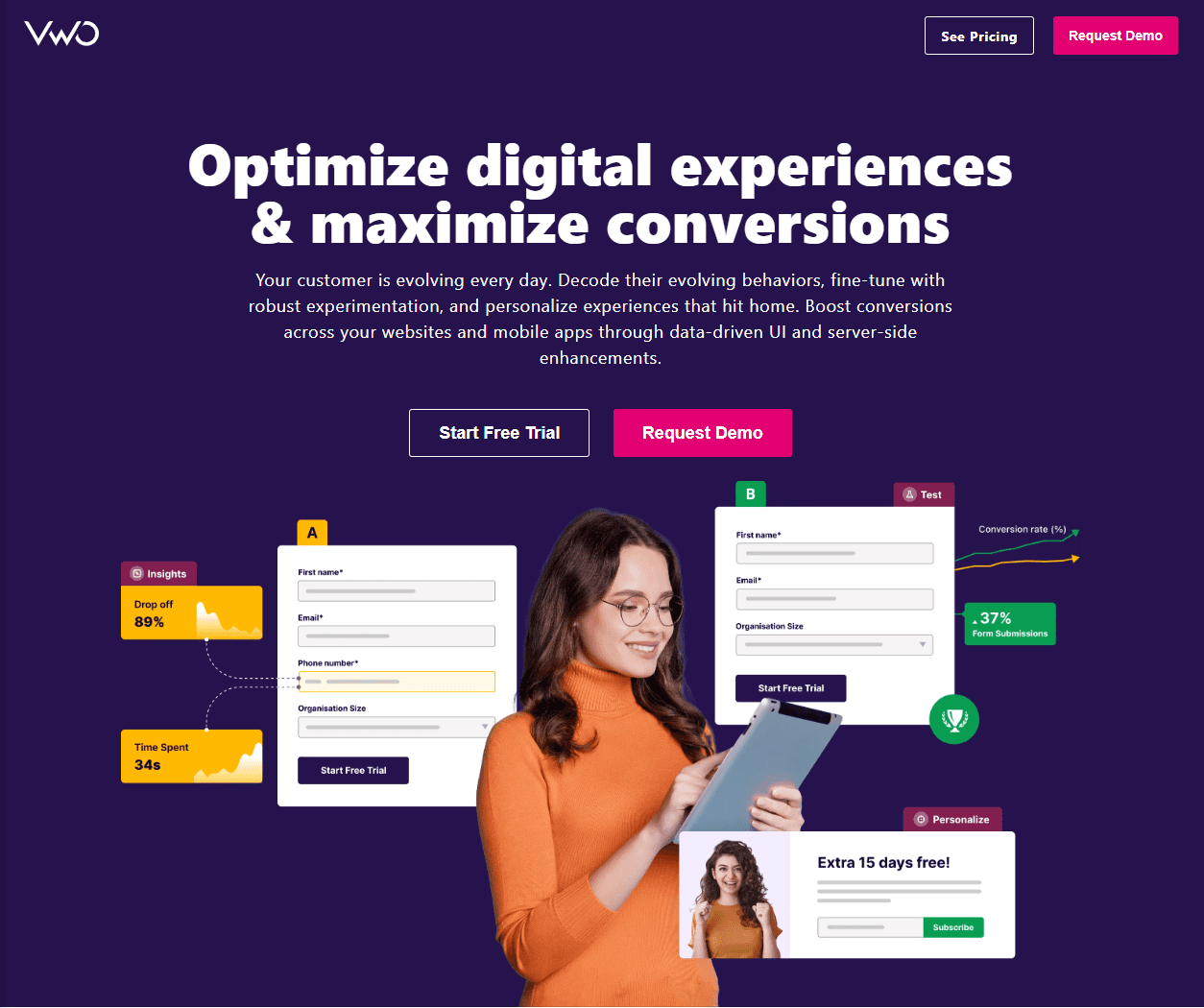
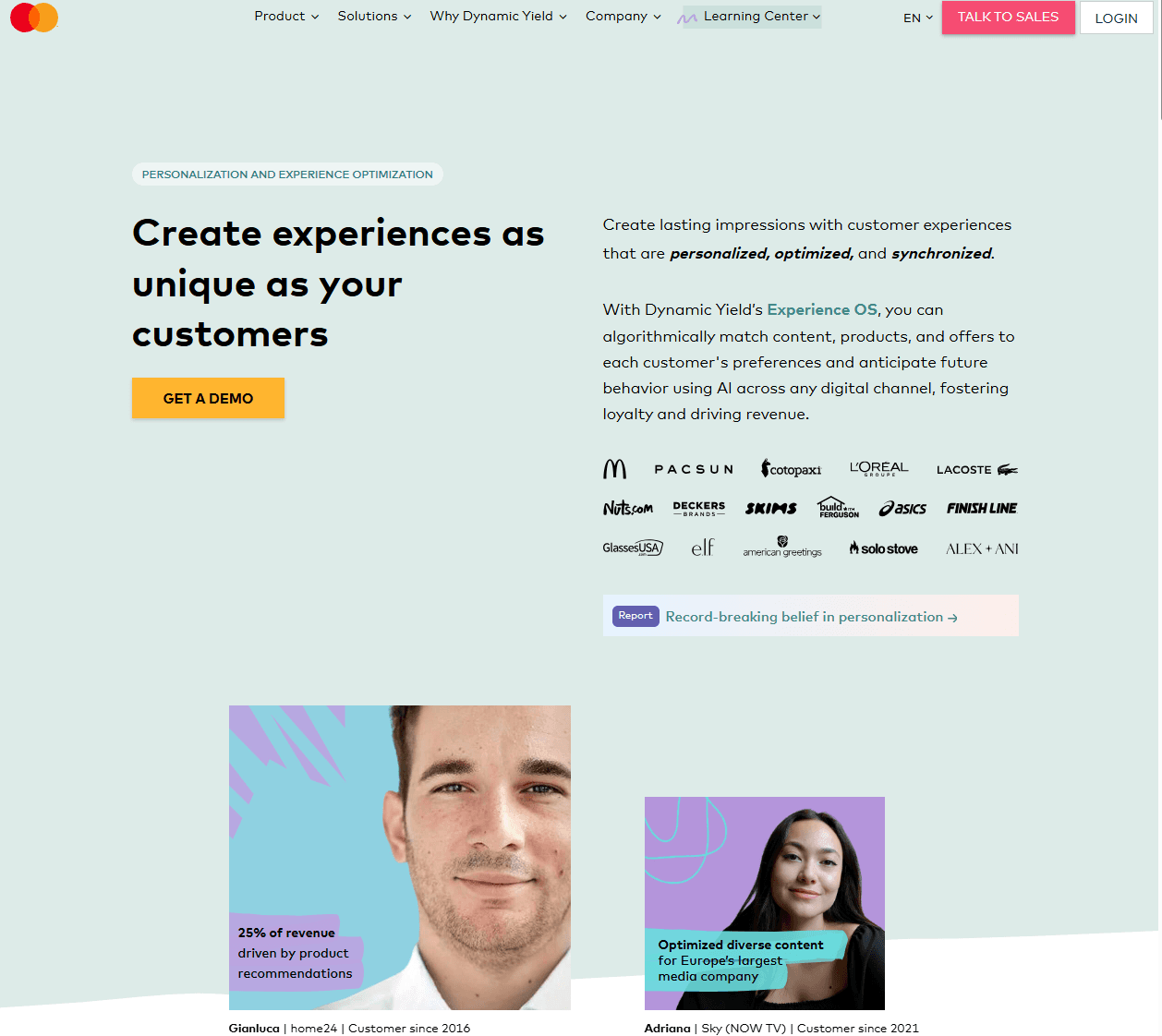
Top 5 Tools for Landing Page Personalization
Final Thoughts
Landing page personalization is happening right now, and companies implementing it are seeing conversion rates that make traditional pages look obsolete.
Personalized landing pages convert much better, cut acquisition costs in half, and deliver customers with higher lifetime values.
You don't need to personalize everything on day one. Start with your highest-traffic campaigns. Match headlines to ad copy. Show industry-specific examples. Adjust CTAs for new versus returning visitors.
The companies winning in 2025 aren't those with the biggest ad budgets; they're the ones delivering the most relevant experiences. Your competitors are already personalizing. Your visitors expect it.
Stop burning money on traffic that bounces. Try Fibr.ai free today to create personalized landing pages.
FAQs
What's the difference between landing page personalization and A/B testing?
A/B testing shows random variations to your entire audience to find what works best on average. Landing page personalization shows different experiences to different visitor segments based on their specific characteristics.
Do I need to create separate landing pages for each audience segment?
Not necessarily. Modern personalization platforms like Fibr let you create one master page with dynamic elements that swap based on visitor attributes.
Instead of building 20 separate pages, you build one page with personalization rules that automatically adjust headlines, images, CTAs, and content blocks.
How much traffic do I need before personalizing landing pages?
You can start personalizing with any traffic level, but focus on your largest segments first. If you're getting 1,000+ monthly visitors, begin with 2-3 broad segments (like traffic source or device type). With 10,000+ visitors, you can create more granular personalization.
Will personalized landing pages hurt my SEO?
No, when done correctly. If you're using dynamic content that changes based on visitor attributes (while keeping the same URL), search engines crawl the default version.
If you're creating separate URLs for different segments, use canonical tags to indicate the primary version.
About the author

Meenal Chirana, Content and Social Media Manager at Fibr, brings five years of experience in the content field to the team. Her passion for creating engaging content is matched only by her expertise in SEO and social media management. Passionate about all things content and digital marketing, she is always on the lookout for innovative ways to connect with audiences and elevate brands.